Note Splitting and Joining
It is possible to evenly split (tuple) and join notes in both the Draw and the Internal Edit modes.
Splitting notes
To split a note or a group of notes into tuplets, first select the notes.
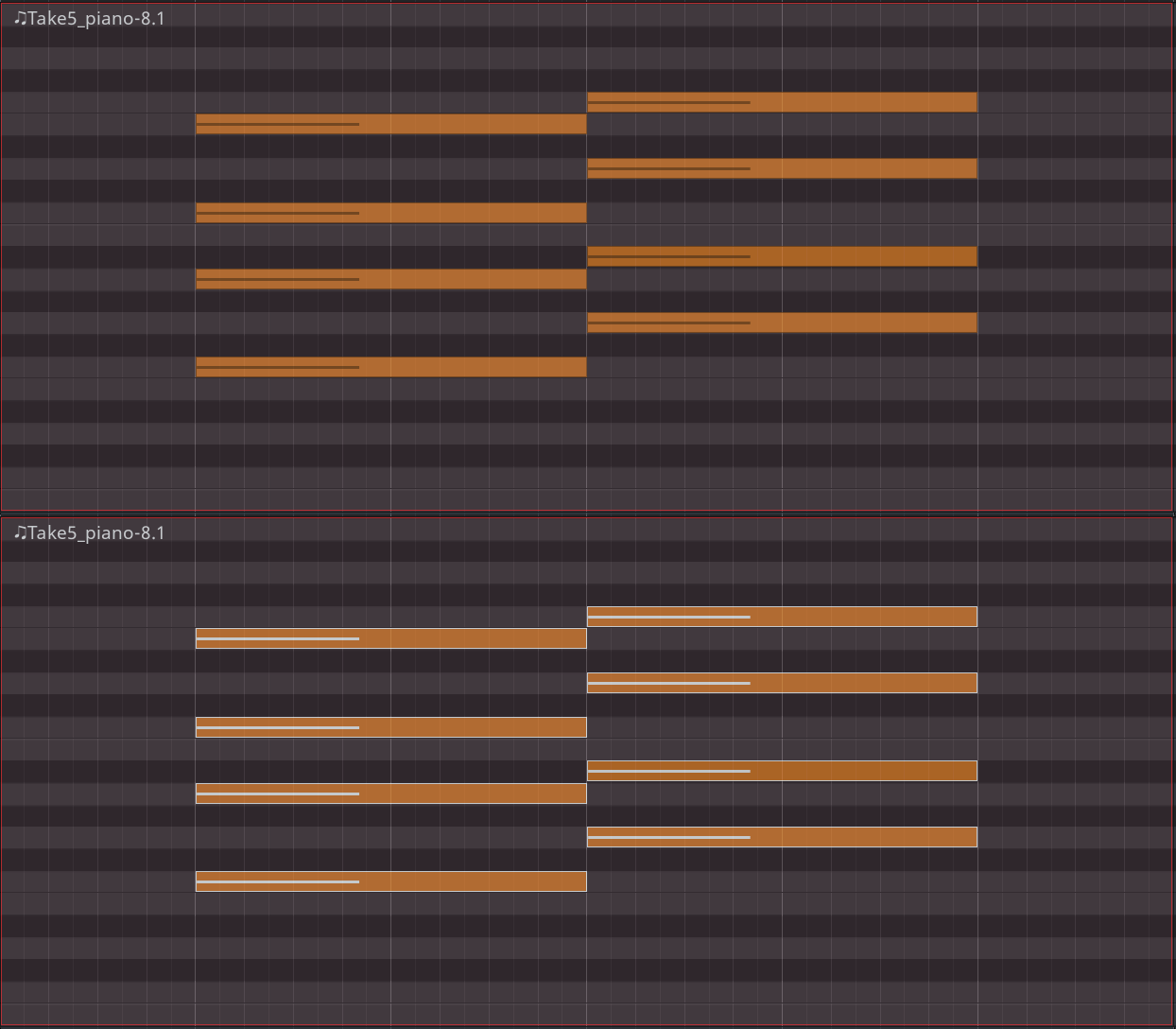
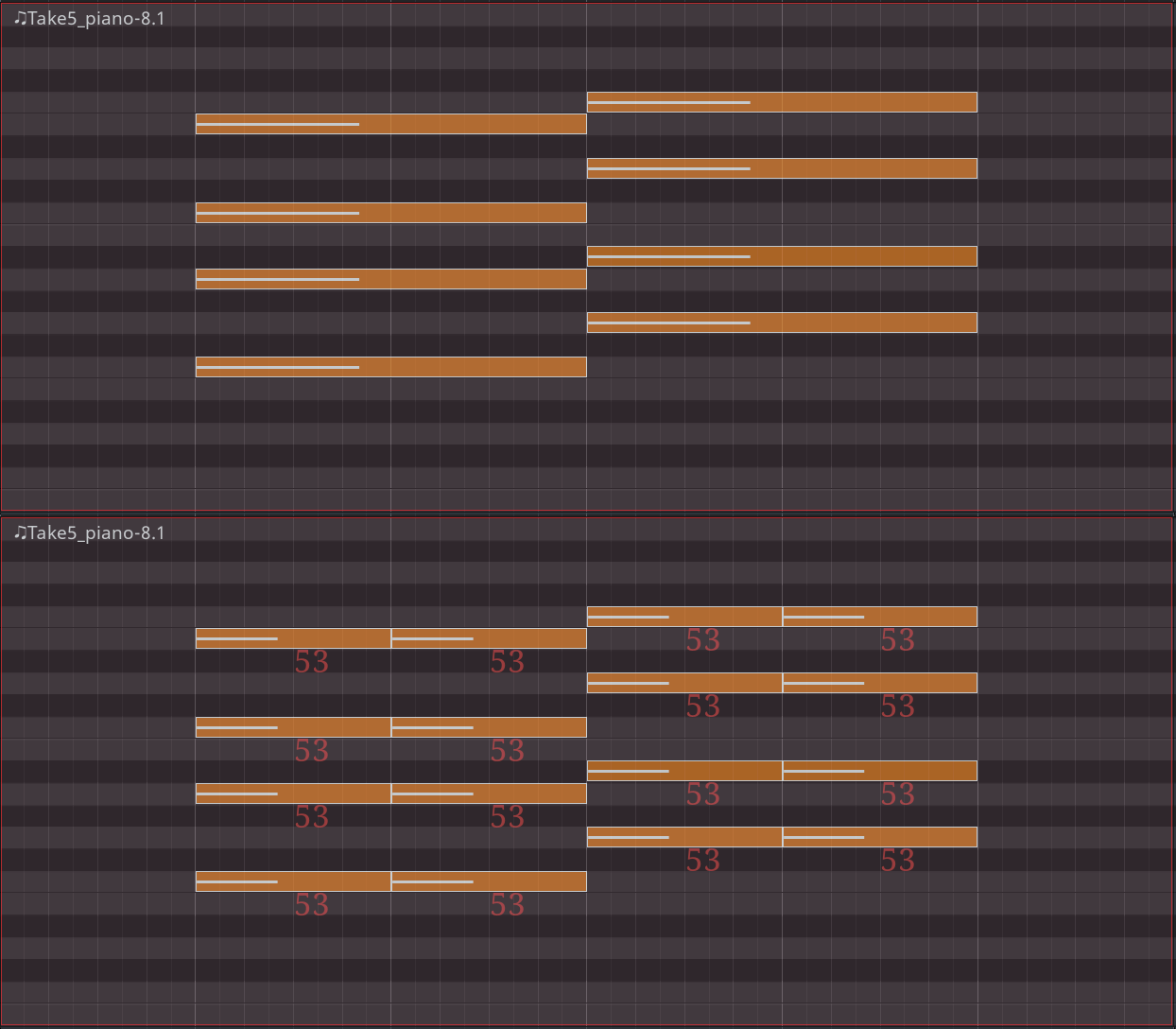
Press to split selected notes into two tuplets. In the example below, each note with a duration of two whole notes will be split into two notes, each with a duration of one whole note. For each newly created note, Ardour will display its velocity inherited from the original notes.
Repeatedly pressing will increment the amount of tuplets. Thus, the next key press will divide the original note into 3 notes 2 and 2/3 beats long each, then 4 notes 2 beats long each etc. Ardour will display a temporary message at the bottom of the MIDI region to tell how many subdivisions have been created.
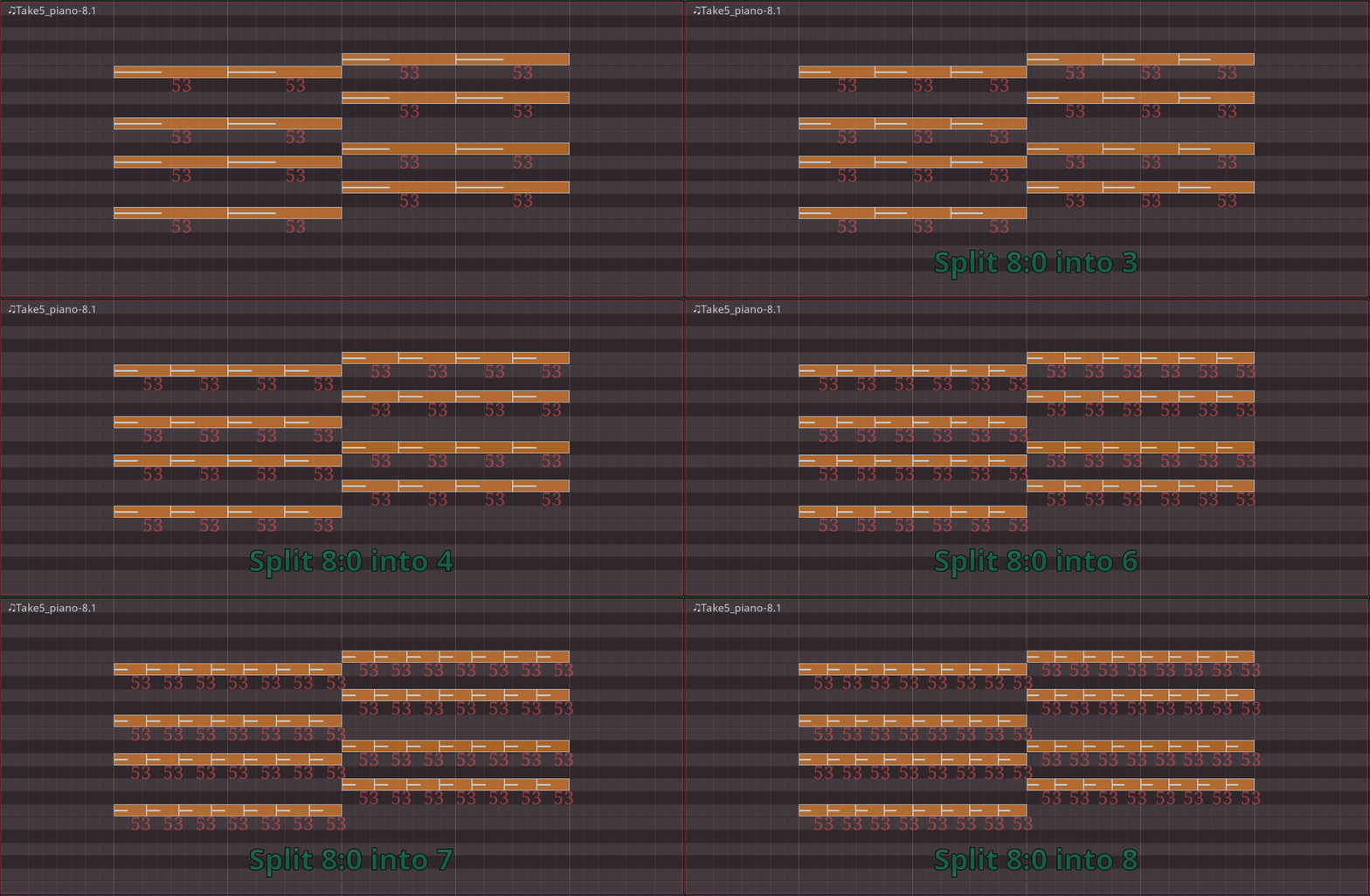
To stop incrementing the amount of subdivisions, deselect notes by clicking elsewhere in the MIDI region or by pressing .
Joining notes
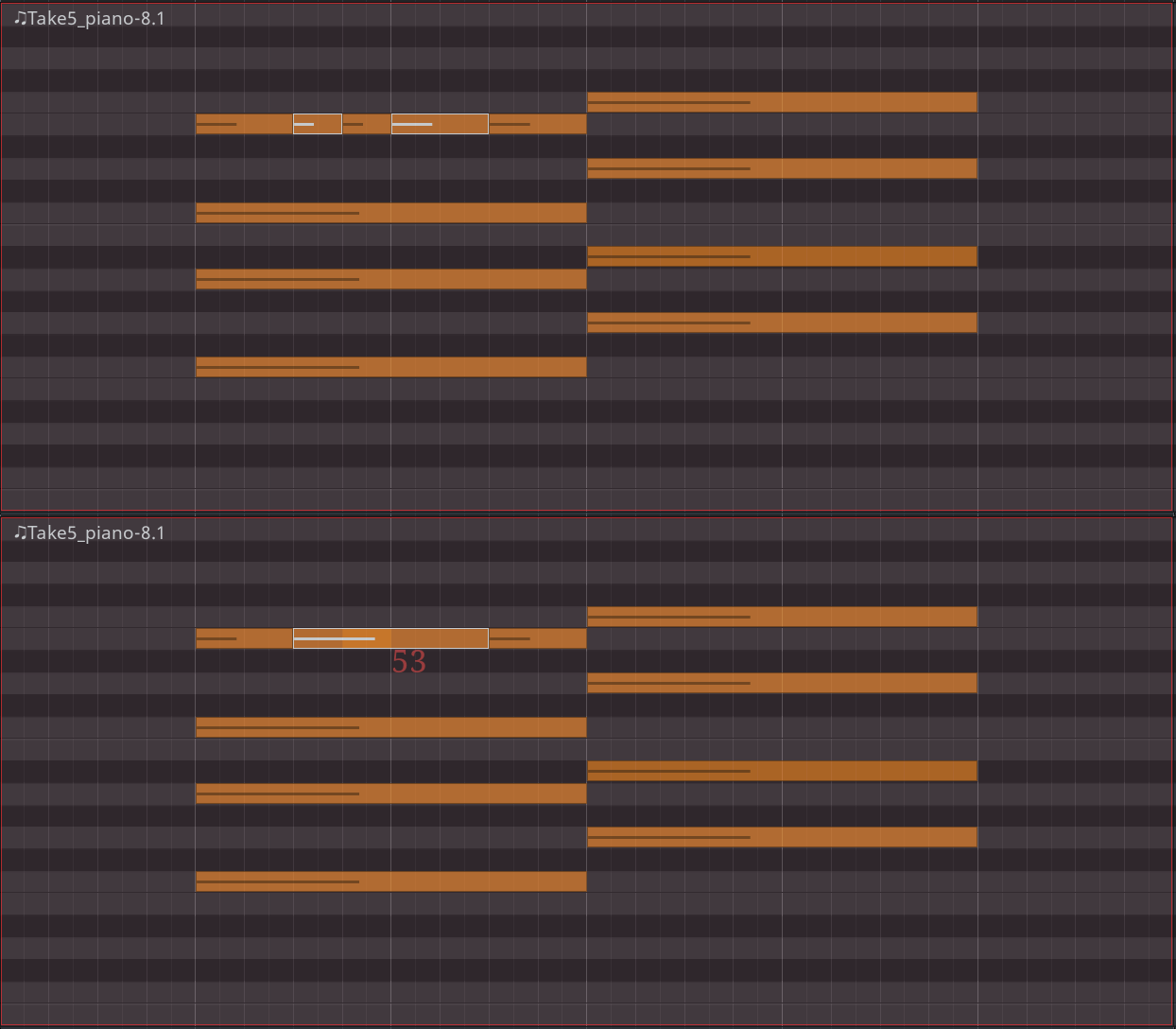
To join several notes into one, select the notes, then press :
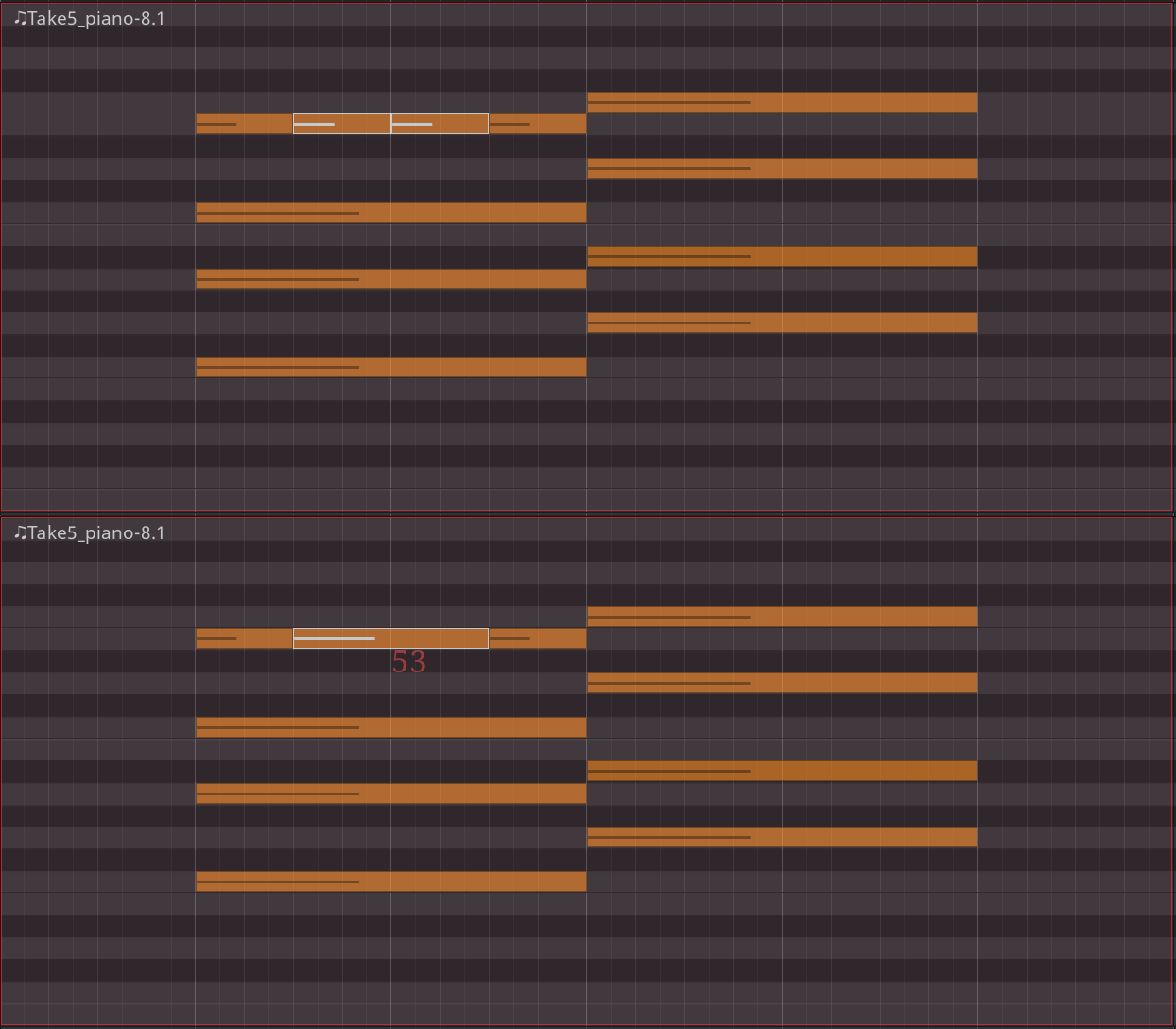
If non-adjacent notes are selected, and there is a blank space between them, the note will extend from the beginning of the earliest note to the end of the latest note and fill the blank spaces with itself:
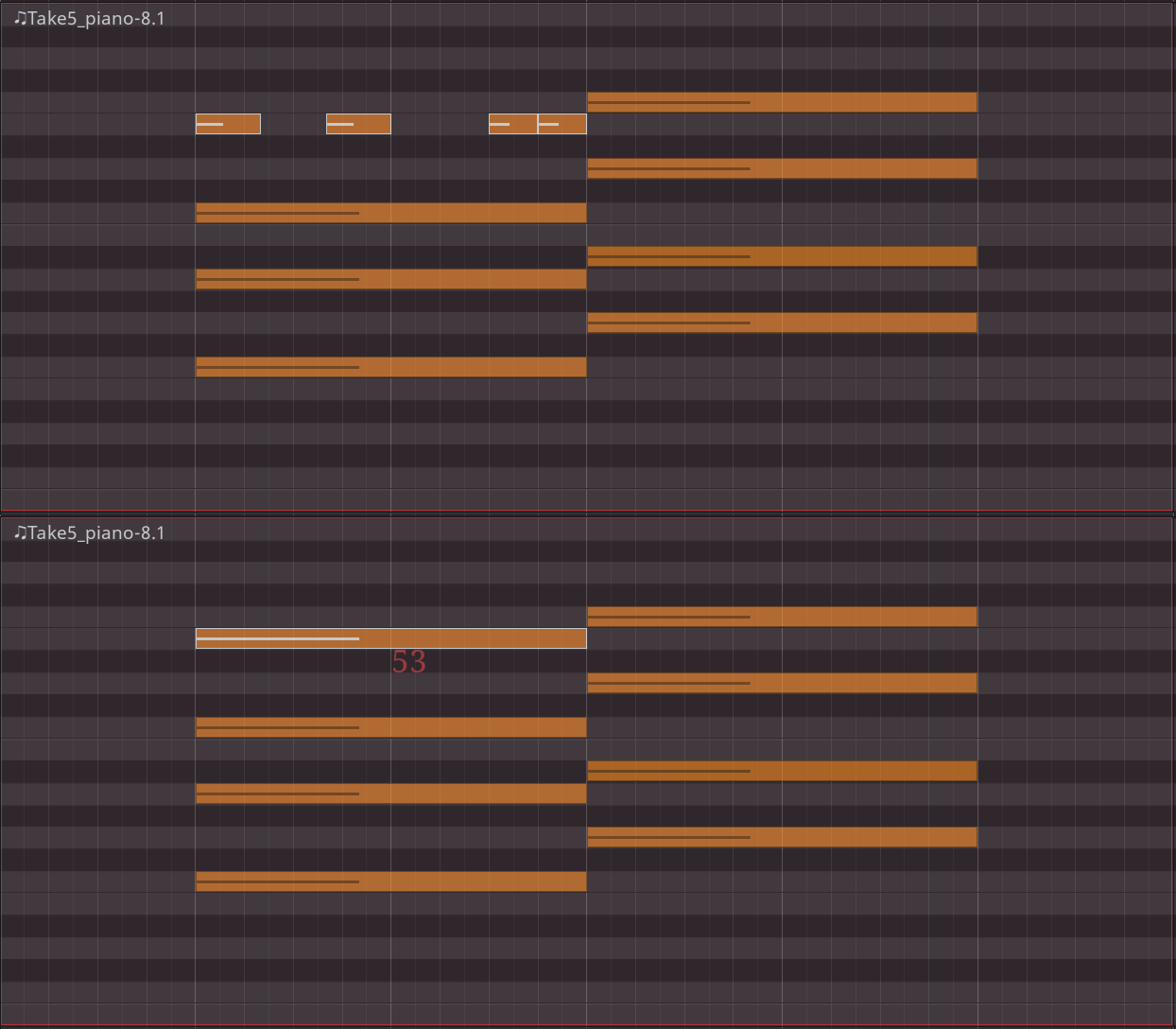
If non-adjacent notes are selected, and there is at least one note between them, newly created note will overlay the existing note: